




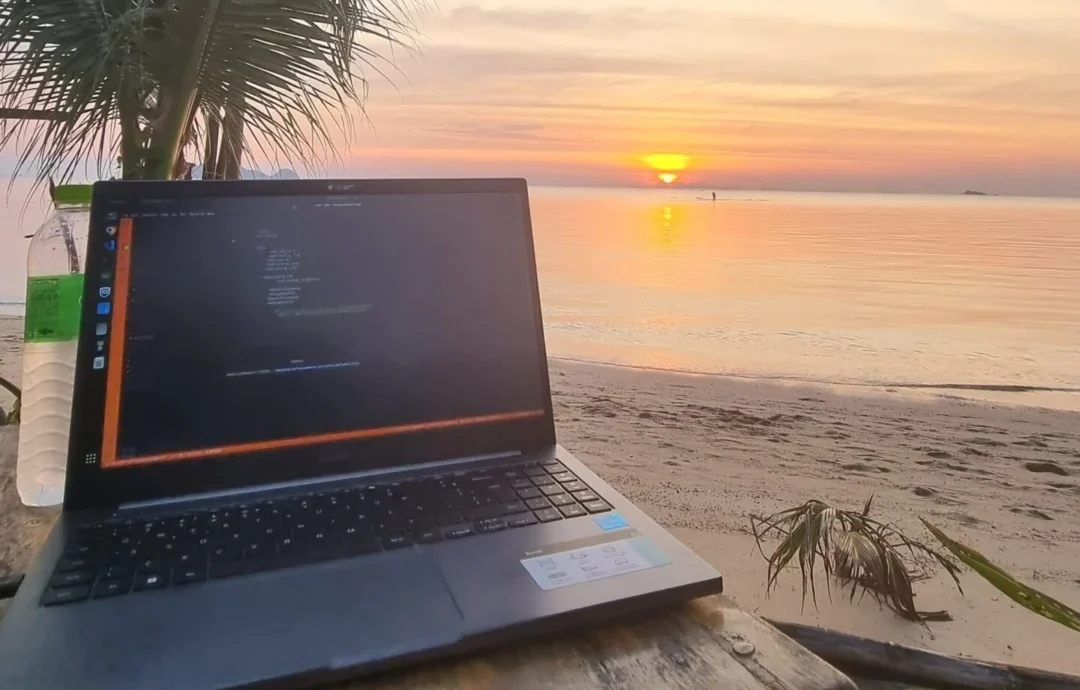
The tool that has saved me the most money during four years of full-time travel is not a flight search engine, a budgeting app or a productivity platform. It is TrustedHousesitters, which has allowed me to move between homes with very few gaps in accommodation.
However, my list of the best apps for digital nomads is not based only on which platforms are popular. It is based on the tools I actually use to reduce my expenses, manage money abroad, organise my work and make travel days less stressful.
I travel slowly, work remotely and usually stay in each destination for longer periods. The apps that work for me may be different from those used by someone changing cities every few days. These are the tools that have made the biggest difference to my routine after four years of travelling full time.
Best Apps for Digital Nomads: What I Actually Use After Four Years
I spent approximately the first six months of these four years travelling alone. After that, I started travelling with my boyfriend, Matt.

During this time, I have worked from temporary homes, organised complicated routes, booked accommodation between house sits, arrived in new countries without mobile data and learned how much small daily expenses can affect a long-term travel budget.
This is why I do not think digital nomads need to download every app mentioned in generic travel lists.
Someone travelling for two weeks has different priorities from someone who needs to create a normal routine abroad. As a slow traveller, I need tools that help me stay longer, work comfortably, manage recurring expenses and reduce the largest costs of travel.
These are the tools that currently make the biggest difference to me:
| Tool | What I use it for |
|---|---|
| TrustedHousesitters | Reducing accommodation costs |
| Booking.com | Booking stays between house sits |
| Revolut | Managing money and exchanging currencies |
| Nomad | Keeping a second international account |
| Skyscanner | Comparing flights with flexible dates |
| Google Maps | Navigation, public transport and offline maps |
| Too Good To Go | Finding discounted food |
| Rome2Rio | Understanding transport options |
| Splitwise | Organising shared travel expenses |
TrustedHousesitters is the tool that saves me the most money. Booking.com is my main alternative when house sitting is not available. Revolut is currently my main account for travel spending, but I also keep my Nomad account active as a backup.
The remaining tools solve more specific problems, such as finding affordable meals, dividing expenses as a couple and understanding how to travel between unfamiliar destinations.
Best Travel Apps for Saving Money on Accommodation and Food
Accommodation and food are recurring expenses. A small saving on one hotel night or meal may not seem significant, but it becomes much more important when you travel full time.
These are the platforms that have made the biggest difference to these costs.
TrustedHousesitters: My Biggest Travel Expense Saver
TrustedHousesitters is currently the most valuable travel platform I use.

The platform connects homeowners who need someone to care for their pets and homes with travellers willing to take on those responsibilities.
This year, Matt and I have been moving from one house sit to another with very few gaps. We have already completed around 25 house sits, many of them in Europe.
Because we have avoided paying for accommodation during most of these periods, I estimate that TrustedHousesitters has reduced my overall travel spending by approximately 70%.
For my travel style, that is a huge difference.
Instead of spending most of my budget on hotels or apartments, I can remain in one destination for longer, work from a real home and maintain a more comfortable routine.
In many cases, the cost of a single accommodation booking would already be higher than the annual TrustedHousesitters membership.
However, house sitting should not be treated as free accommodation without responsibilities.
You need to care for the animals, respect the home, follow the owners’ instructions and plan your routine around the pets’ needs. Depending on the sit, you may also need to administer medication, walk dogs a few times a day or avoid being away for long periods.
It works especially well for me because I prefer slow travel. I am not trying to visit several cities in one week. I want enough time to work, exercise, cook and understand how daily life works in the destination.
I have a complete TrustedHousesitters review where I explain how the platform works, how we apply for house sits and what I have learned after using it for several years.
Booking.com: My Alternative Between House Sits
House-sitting dates do not always connect perfectly.
Sometimes I have a gap between two stays, need to sleep near an airport or want to visit a destination where there are no suitable house sits available.
When this happens, Booking.com is normally the first accommodation platform I check.
I have reached Genius Level 3, and the benefits have made a noticeable difference to some of my bookings.
Depending on the property, I have received free breakfast, room upgrades and additional discounts. In a few searches, I found total savings close to 40% when a Genius discount was combined with another available offer, such as a mobile rate.
This does not mean that Genius Level 3 automatically provides a 40% discount.
Booking.com advertises discounts of between 10% and 20% on selected Genius Level 3 stays. The exact discounts and additional benefits depend on the participating property.
My 40% saving was the final difference shown on a specific search after more than one offer had been applied.
I always compare the final price, location, reviews and cancellation conditions. A large percentage on the screen does not automatically mean it is the best booking.
Too Good To Go: Discounted Food in a New City
Too Good To Go is especially useful when I have just arrived somewhere and still do not know the local cafés, hotels or bakeries.
Participating businesses offer Surprise Bags containing food available for collection during a specific period. You reserve and pay for the bag through the app before collecting it at the time provided by the business.
I often look for Surprise Bags from cafés and hotels. It can be an inexpensive way to get breakfast, pastries or other food while discovering places nearby.
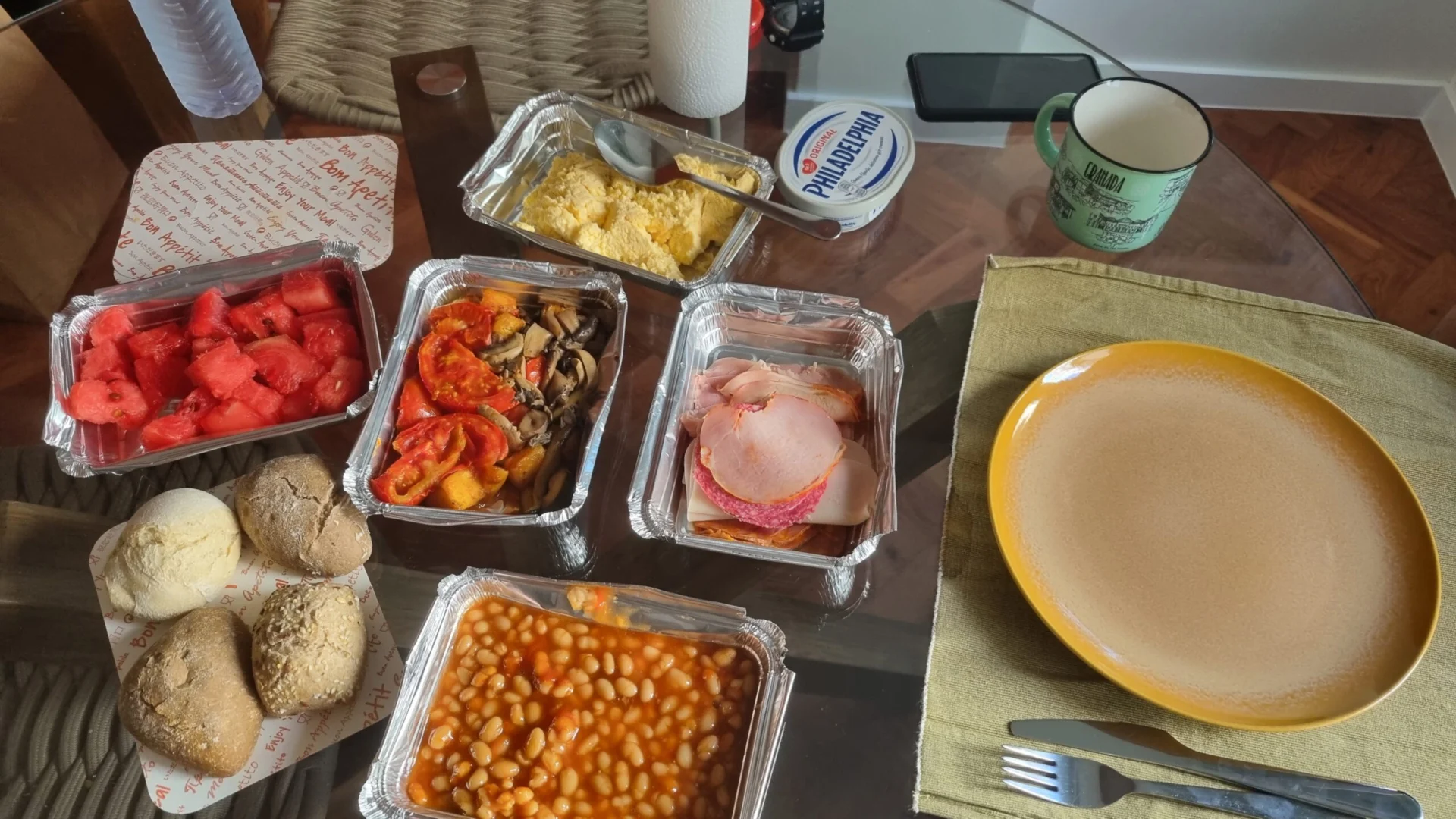
The main advantage is the price. The food normally costs much less than purchasing the same items individually.
However, the experience depends on where you are.
Some cities have many participating businesses, while smaller or more remote destinations may have very few options. You also do not always know exactly what will be inside the bag.
Olio: Free Food and Items in Some Destinations
Olio is another app I use, particularly when I am in England.
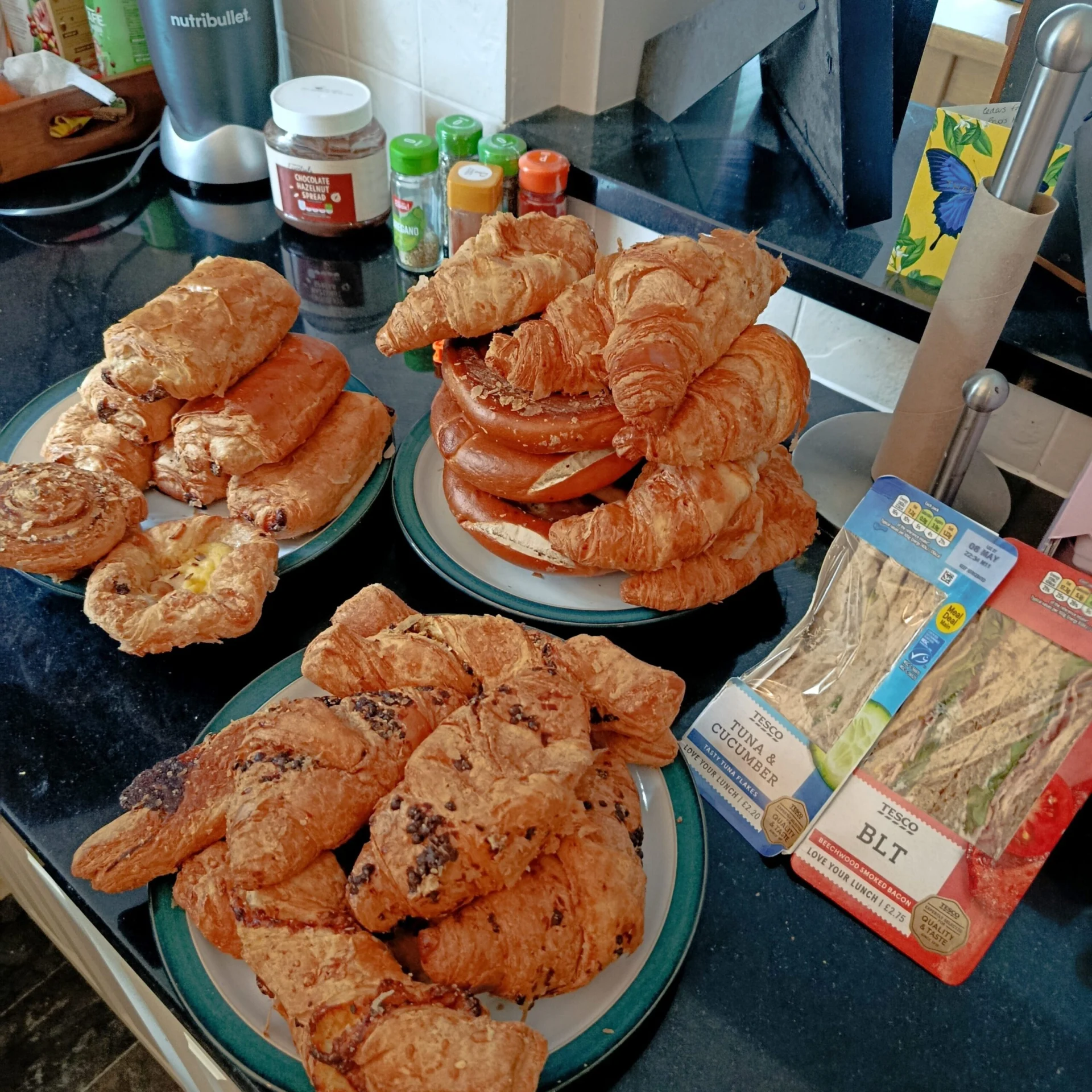
People and local businesses can list food, household products and other items they no longer need. You can request an item and arrange a collection without paying for it.
The app can be very useful in active areas, but availability changes significantly between cities and neighbourhoods.
I would not download it expecting the same selection everywhere. In England, however, I have found it genuinely useful.
Best Money Apps for Digital Nomads
Managing money abroad is not only about finding a good conversion rate.
You also need to think about what would happen if your card stopped working, your account was restricted or you temporarily lost access to your main financial app.
After what happened with my Wise account, I would never recommend travelling with only one international account.
Revolut: The Account I Currently Use for International Travel
Revolut has become my main financial app while travelling.
I have a Brazilian global account and use the Standard plan. Because I normally remain below the monthly exchange allowance, I have not usually paid an additional Revolut fair-usage fee on my exchanges.
For Brazilian Standard accounts, Revolut currently applies an additional 0.5% fee when exchanges exceed R$10,000, or the equivalent, during the monthly cycle. A 1% weekend fee can also apply to exchanges between two foreign currencies during the specified weekend period.
These conditions can change and may differ according to the country where the account is registered. I always recommend checking the limits shown inside your own account before exchanging money.
In the comparisons I have made, Revolut has offered me better rates than Nomad, which is why I currently use it as my main account.
That is my experience based on my own account, currencies and transactions. It does not mean Revolut will always be cheaper for every traveller or every type of exchange.
Why I Always Keep a Second International Account
Before using Revolut, Wise was one of my international accounts.
My Wise account was unexpectedly closed. Fortunately, I did not have money stored there at the time, and I already had a Nomad account.
Because of that, I was not left without an international card or a way to access money while travelling.
The experience taught me that having a second account is not unnecessary duplication. It is a basic backup plan.
An account can be restricted. A card can be blocked, lost or damaged. An app may experience a technical issue. A particular card may also be refused by a payment terminal or ATM.
Today, Revolut is my main account, but I continue to keep Nomad active as my alternative.
Nomad currently states that adding money to its international account includes charges of 3.5% plus a conversion fee starting at 1%. The conversion fee can vary according to the customer’s Nomad Pass level.
This helps explain why Revolut has often appeared more competitive in my personal comparisons. However, I do not keep Nomad only to look for the lowest rate.
I keep it because having access to a second account is more important than depending entirely on the cheapest option.
My practical recommendation is to travel with:
- At least two international accounts.
- Cards from different providers.
- The cards stored separately.
- Some emergency money outside your main account.
- Access to both apps fully verified before departure.
The second account does not need to be used every day. It needs to work when the first one does not.
Splitwise: Dividing Travel Expenses as a Couple
Travelling as a couple creates another financial challenge: understanding how much each person has paid.
Matt and I divide our shared expenses equally, but we do not split every payment immediately.
One person may pay for accommodation, while the other pays for groceries, transport or meals. Trying to calculate everything manually would quickly become confusing.
We use Splitwise to record:
- Who paid.
- How much was paid.
- How the expense should be divided.
- Which category the purchase belongs to.
- How much each person has contributed.
- The remaining balance.
We do not constantly charge each other for small amounts. The app simply gives us a clear picture of the month.
It is also useful for understanding where our money is going because we can separate accommodation, food, transport and other expenses.
I use the paid version, but the tool can also be useful for friends travelling together. At the end of the trip, everyone can see exactly what they paid and what still needs to be settled.
Best Flight and Transportation Apps for Digital Nomads
Flexible travel can save money, but only when you know how to compare your options.
I rarely use one platform alone. I normally combine tools to understand prices, alternative airports and ground transportation.
Skyscanner: Finding Cheaper Flights With Flexible Dates
Skyscanner is one of the first tools I open whenever I need to buy a flight.
It is particularly useful when my dates are flexible. Instead of checking one fixed day at a time, I can compare prices across a wider period and identify which dates appear cheaper.
This has helped me save money several times.
When travelling full time, changing the flight by one or two days can make a significant difference. Sometimes it is also cheaper to depart from another airport or change the order in which you visit two destinations.
Skyscanner’s Flexible Dates view allows travellers to compare prices across a month. The company explains that prices can change and that the amounts displayed in the month view may be estimates.
I use Skyscanner to identify possibilities, but I always check the final seller, baggage allowance and connection details before paying.
Google Flights: Comparing Airports and Alternative Routes
I usually use Google Flights together with Skyscanner.
While Skyscanner is useful for flexible dates, Google Flights helps me explore different arrival and departure airports.
For example, I may discover that flying into a nearby city and continuing by train is cheaper than arriving directly at my original destination.
It is also useful when I have not decided exactly where the next stage of the trip will begin.
I do not assume that the first result is the best choice. I compare the route, travel time, baggage rules and the cost of reaching or leaving the alternative airport.
A cheaper flight can become more expensive when the airport is far away or the ground transportation is difficult.
Google Maps: Navigation and Offline Maps
Google Maps may sound like an obvious recommendation, but it is one of the tools I use most frequently.
I use it to:
- Find public transport routes.
- Check bus stops.
- Compare walking and driving options.
- Save my accommodation.
- Find supermarkets, cafés and gyms.
- Download maps before arriving.
The offline map function has helped me several times.
Before travelling, I download the area around the airport, station and accommodation. If I arrive without mobile data, I can still locate myself and understand the general route to where I am staying.
Google Maps allows selected areas to be downloaded for offline use. However, public transport, cycling and walking directions are unavailable while offline, and live traffic information is also limited.
The important part is downloading the map before the trip. Waiting until you have already arrived without internet defeats the purpose.
Rome2Rio: Understanding Complicated Transport Routes
Rome2Rio is my starting point when I know where I need to go but do not understand the route.
It can help me compare whether the journey involves:
- Trains.
- Buses.
- Flights.
- Ferries.
- Cars.
- A combination of different transport methods.
This is especially helpful when travelling between smaller cities, islands or destinations without a direct connection.
I use Rome2Rio to understand the main possibilities. Once I find a route that makes sense, I confirm the current schedule and price directly with the transport operator.
The platform is a useful planning tool, but I do not depend on it as the final source for local schedules.
Useful Digital Nomad Tools for Internet and Airports
Some tools do not need to be used every day to be valuable.
An eSIM, lounge app or airport guide may only be useful during a specific part of the journey, but it can make that part much easier.
Holafly: Internet as Soon as I Arrive
Holafly can be useful when I want internet immediately after landing.
Sometimes I have not decided whether I will purchase a local SIM card, but I still need a connection to contact the host, check the route or order transportation.
An eSIM allows me to arrive with mobile data already prepared.
For longer stays, I still compare it with local SIM card options. A local plan may be cheaper depending on the country and the amount of data needed.
For me, the main advantage of an eSIM is convenience, particularly during the first hours in a destination.
Affiliate link: [INSERT HOLAFLY AFFILIATE LINK]
Visa Airport Companion and LoungeKey: More Comfortable Airport Waits
Long airport waits are much easier when I can access a lounge.
I use Visa Airport Companion to check whether an eligible card gives me access to airport lounges. Depending on the lounge, I may be able to eat, drink coffee, charge my devices, use Wi-Fi and work in a quieter environment.
LoungeKey provides a similar benefit for some eligible cards.
The conditions depend on the bank, card and programme. Having a Visa or Mastercard card does not automatically mean that every lounge visit will be free.
Before travelling, I check:
- Whether my card is eligible.
- How many visits are included.
- Whether guests are covered.
- Whether an additional fee applies.
- Which lounges are available at the airport.
Many travellers may already have lounge access through a card and simply not know how to activate or use it.
Sleeping in Airports: Understanding What an Airport Is Really Like
Sleeping in Airports is a website rather than an app, but it still belongs on this list.
Before a long connection or overnight wait, I use it to look for information about:
- Lounges.
- Food.
- Wi-Fi.
- Charging points.
- Luggage storage.
- Nearby hotels.
- Places where travellers have managed to rest.
Official airport websites are still better for confirming terminal changes and current opening hours. However, traveller reviews can provide a more realistic idea of what waiting there may actually feel like.
Google Translate: Communicating in a New Country
Google Translate is another tool I would prepare before travelling to a country where English is not widely spoken.
It can help with menus, signs, addresses and simple conversations.
The translations are not always perfect, but the app can make everyday situations much easier.
When available, downloading the relevant language before travelling can also help when the internet connection is limited.
Best Productivity Tools for Remote Work and Travel
Digital nomad life is not only about transport, accommodation and sightseeing.
I still need to manage clients, deadlines and projects while changing locations.
Trello: Organising My Work as a Self-Employed Traveller
I am self-employed, so I need to know what I have to complete and when each task is due.
I use Trello to organise my agenda, projects and deadlines.
Having everything in one place gives me a clearer sense of what needs attention. It also helps me separate workdays from days when I have more time to explore.
Trello is not specifically a travel app, but staying organised is essential when your environment changes regularly.
ChatGPT: Researching Travel and Work Tasks
I pay for ChatGPT and use it for both work and travel research.
It helps me:
- Organise ideas.
- Compare travel possibilities.
- Research destinations.
- Structure professional projects.
- Review information.
- Work through different options.
I do not treat it as the final source for visa rules, laws, fees or other information that can change. For those subjects, I still check current official sources.
However, as a general research and organisation tool, it has become part of my daily routine.
Which Travel Apps Should Digital Nomads Download Before a Trip?
I would not wait until arriving at the destination to prepare the most important tools.
Before a trip, I would set up:
- TrustedHousesitters: Applications and calls with homeowners usually happen before travelling.
- Booking.com: Useful for confirmed stays and gaps between house sits.
- Revolut: Complete the verification process and understand the limits.
- Nomad or another backup account: Make sure a second card is active and available.
- Skyscanner: Compare dates and possible routes while planning.
- Google Maps: Download the destination map.
- Google Translate: Prepare the relevant language.
- Visa Airport Companion or LoungeKey: Check whether your card is eligible.
- Holafly or another internet option: Arrange connectivity when necessary.
Other apps can be downloaded according to the destination.
Too Good To Go and Olio, for example, depend heavily on local availability. You may also need regional transport apps that are not useful anywhere else.
The goal is not to fill your phone with dozens of tools. Prepare the apps that protect your accommodation, money, connectivity and arrival first.
Limitations of Digital Nomad Travel Apps
No travel app works perfectly in every country.
TrustedHousesitters requires responsibility, planning and flexibility. It is not suitable for someone who does not want to care for animals.
Booking.com discounts and benefits depend on the property. Too Good To Go and Olio may be active in one city and almost unavailable in another.
Revolut’s limits depend on the account and plan. Nomad may be more expensive for some types of conversion, but it can still be valuable as a second account.
Skyscanner prices can change between the initial calendar and final booking page. Rome2Rio may not show every local transport option. Google Maps offline does not include every feature available with an internet connection.
Airport lounge access depends on the specific card and issuer. An eSIM may be convenient but more expensive than a local SIM for a longer stay.
I also avoid depending entirely on my phone.
Apps can stop working, batteries can run out and mobile data can fail. I keep essential addresses, reservation information and travel details somewhere I can access offline.
The same principle applies to money. I do not depend on one account, one card or one way to access my funds.
Who Are These Digital Nomad Tools Best For?
This group of tools makes the most sense for:
- Slow travellers.
- Remote workers.
- Couples dividing expenses.
- Travellers with flexible dates.
- People staying several weeks in a destination.
- Travellers trying to reduce costs without giving up comfort.
- People who need to maintain a normal work routine.
The list may be less relevant to someone taking a short, completely organised holiday.
A person changing destinations every day may prioritise last-minute transport tools. A solo traveller looking for community may prefer coliving and social apps.
That is why I would not copy another digital nomad’s app list without considering how that person travels.
The most useful tool is the one that solves a recurring problem in your own routine.
Best Apps for Digital Nomads: My Final Verdict
The best apps for digital nomads are not necessarily the tools that appear in every online list. They are the ones that solve the most expensive, stressful or repetitive parts of your own journey. For me, TrustedHousesitters saves the most money, Booking.com covers accommodation gaps, Revolut is my main travel account, Nomad provides an important financial backup, Skyscanner helps me find better flight options, Google Maps makes arrivals easier, Too Good To Go reduces food costs, Rome2Rio helps with unfamiliar routes and Splitwise organises our shared expenses. After four years of full-time travel, I have learned that a small group of useful tools, combined with reliable backup options, is much more valuable than a phone filled with apps I never open.